browser_performance_benchmark
我想透過網頁的benchmark 測試來了解某一台的機體性能
有哪些指標
cpu gpu memory 如何透過網站衡量?底層原理?
怎麼進行實驗
指標
- 純計算吞吐: Wasm 通常更穩、更容易接近理想機器碼(型別固定、語義簡單)JS 如果也寫成 TypedArray + 穩定型別的 tight loop,差距會縮小;但遇到動態型別、物件、GC,就容易掉速
- 真實 Web App 體感:
- DOM 操作、layout/reflow、style 計算
- JS 框架更新、事件處理、GC、資源載入
- 圖形管線(Canvas/WebGL/WebGPU)+ 合成
有哪些工具
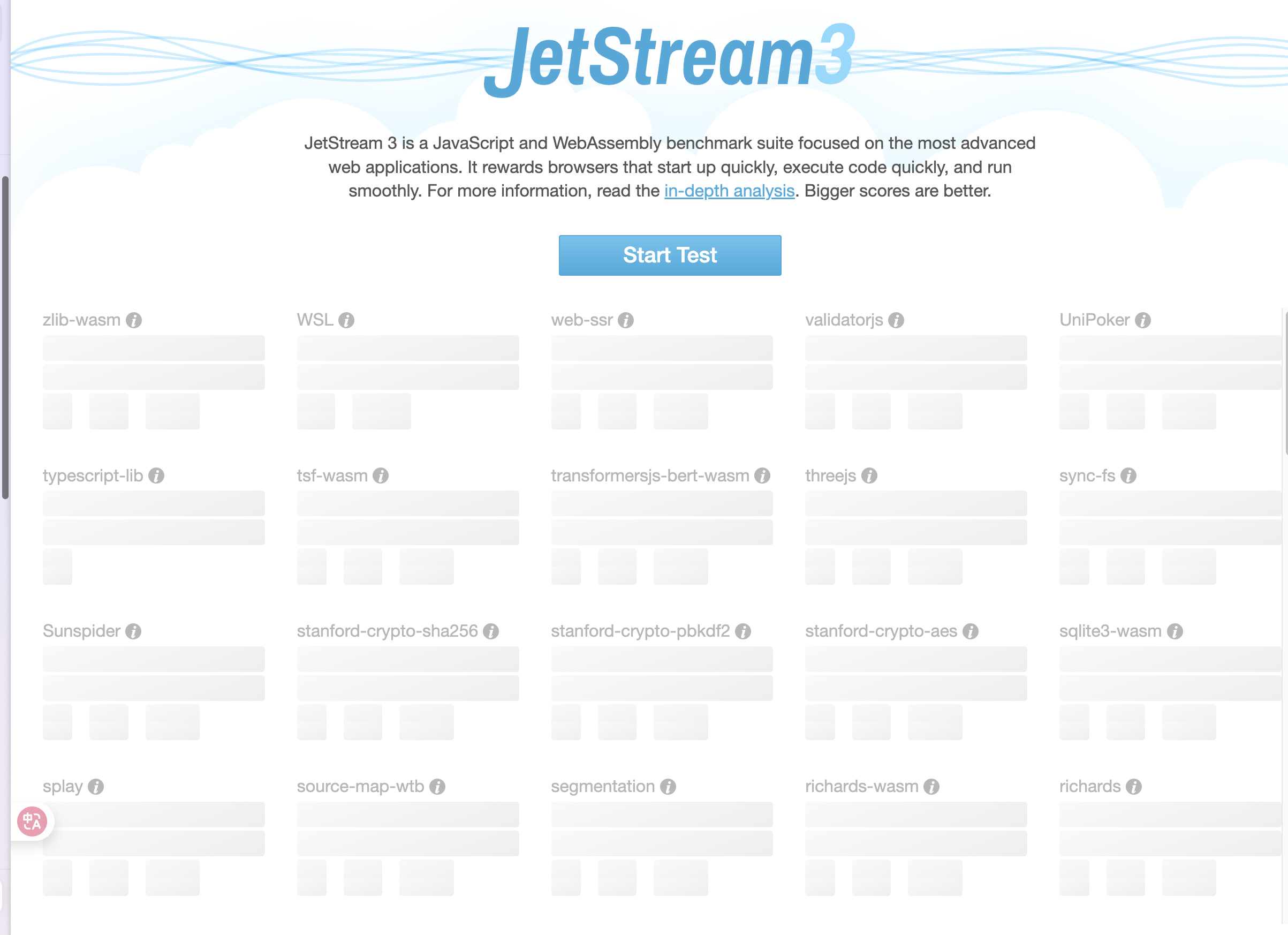
- JetStream 2:混合 JavaScript + WebAssembly 的測試,偏「引擎/語言層」綜合能力
- Speedometer 3.x:量 Web App 的互動/回應性(更貼近真實網站體感)
- Basemark Web 3.0:偏圖形/瀏覽器圖形能力的線上測試(常被當作 web graphics benchmark)
有哪些限制
Benchmark瀏覽器是在作業系統之上的一個「沙盒 (Sandbox)」,因此網頁 Benchmark 測的是**「硬體 + OS + 瀏覽器引擎(JS Engine)」的綜合表現**。
多執行緒(Threads)也可以,但有門檻
如果你想測到更接近「多核」的上限(例如 Wasm threads),通常會用到 SharedArrayBuffer,而它需要頁面處於 cross-origin isolated(典型做法是設 COOP/COEP header)
Wasm 不會直接在 GPU 上執行。
實際跑在 GPU 的部分通常是:
- WebGPU(新一代 GPU/Compute API) 或 WebGL(偏圖形渲染) 測 GPU 時間怎麼量? 最粗:看 frame time / FPS(很容易被 VSync、UI thread、合成器影響) 更準:WebGPU 有 timestamp-query(如果裝置/瀏覽器支援)可量 compute/render pass 的 GPU 執行時間
有哪些可以測AI的? onnx? tensorflow.js? transformer.js?
浏览器js性能测试 https://blog.csdn.net/weixin_42654603/article/details/151798354
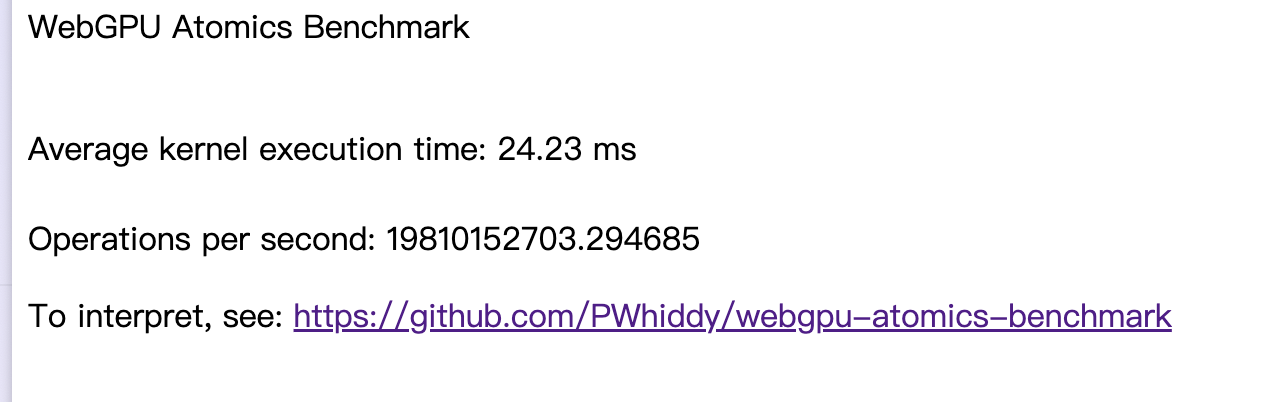
https://pwhiddy.github.io/webgpu-atomics-benchmark/
https://mayfield.github.io/webbench/pages/bench.html
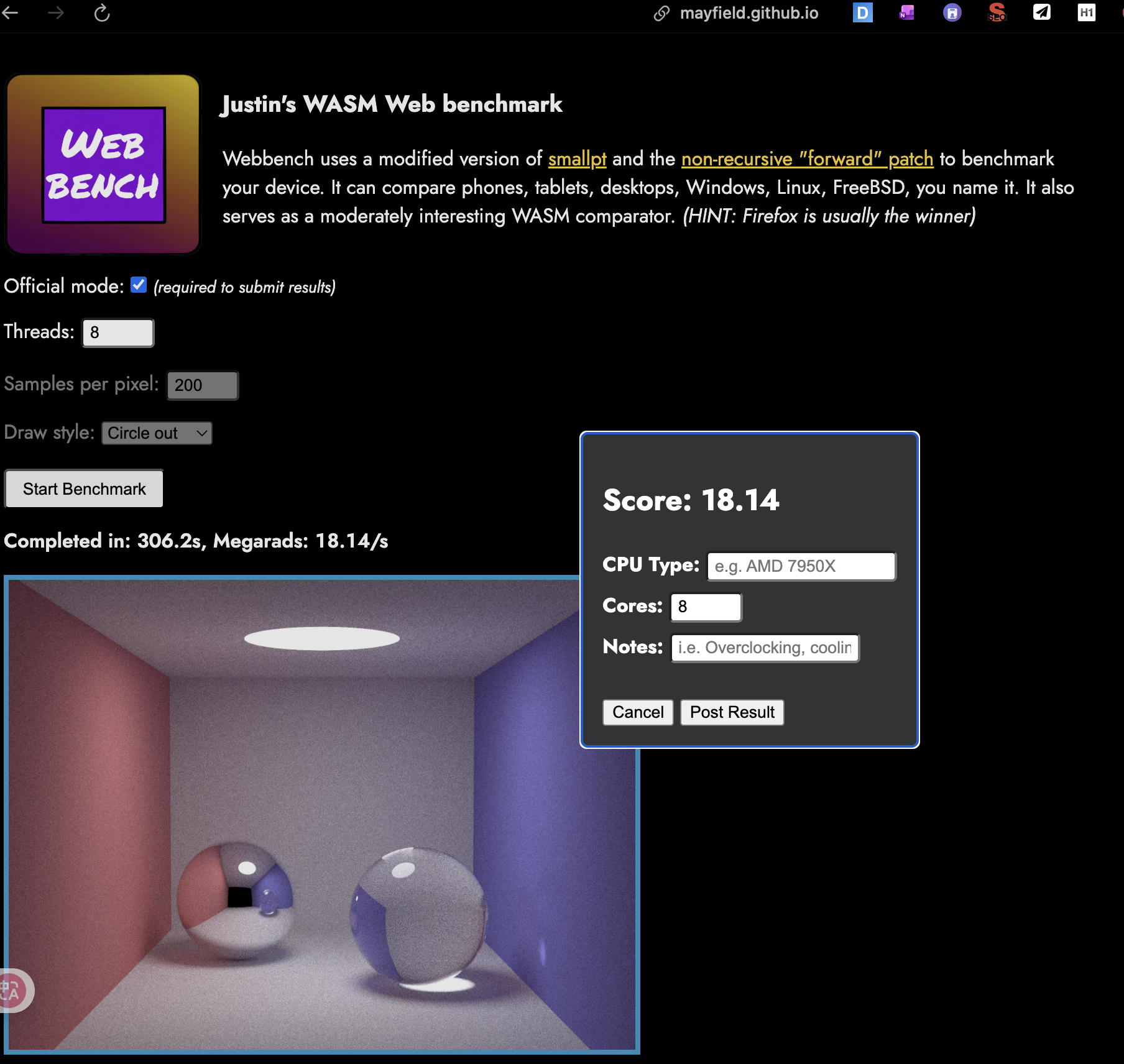
Benchmarking WebAssembly for Embedded Systems https://dl.acm.org/doi/10.1145/3736169
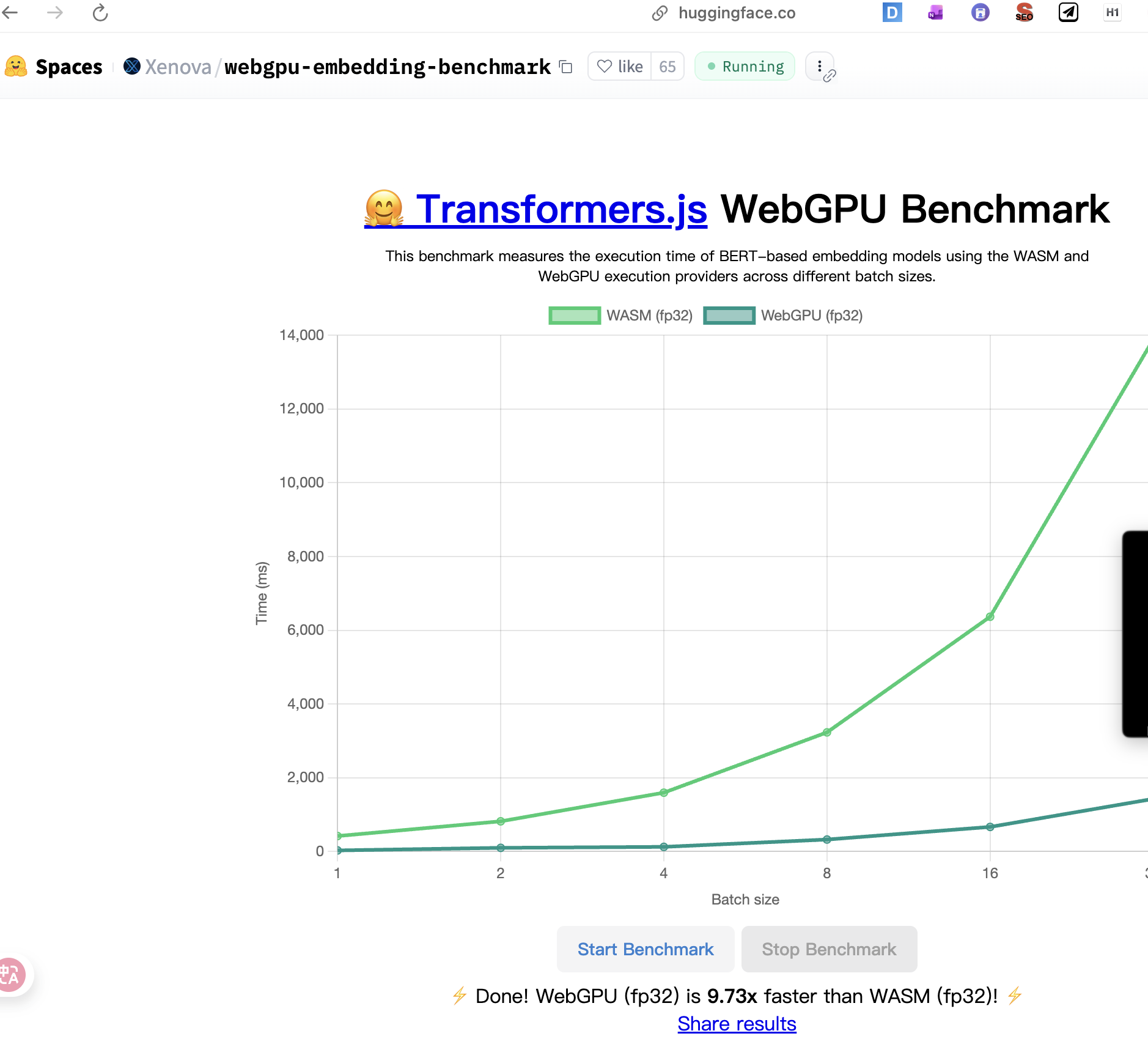
https://huggingface.co/spaces/Xenova/webgpu-embedding-benchmark
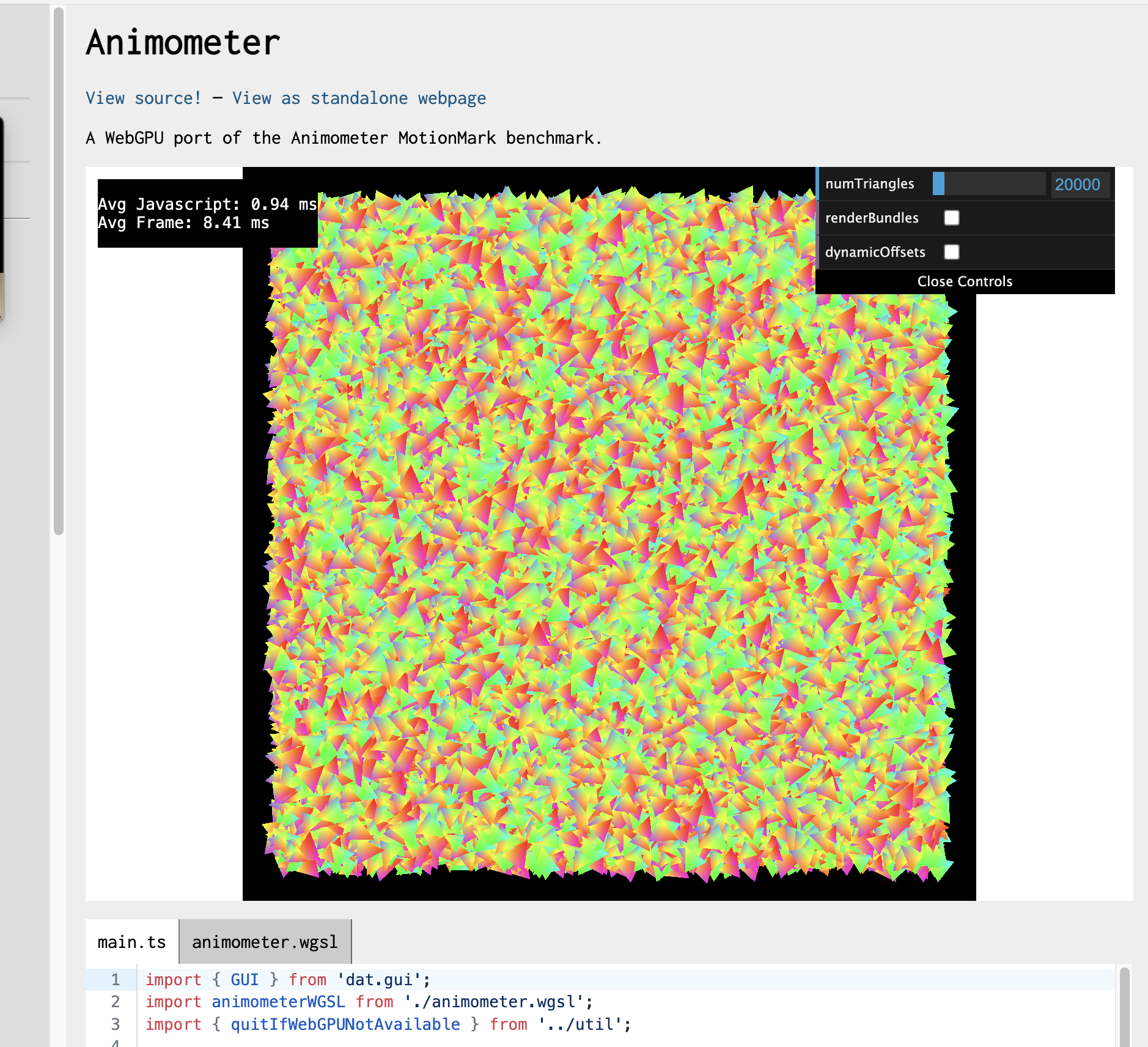
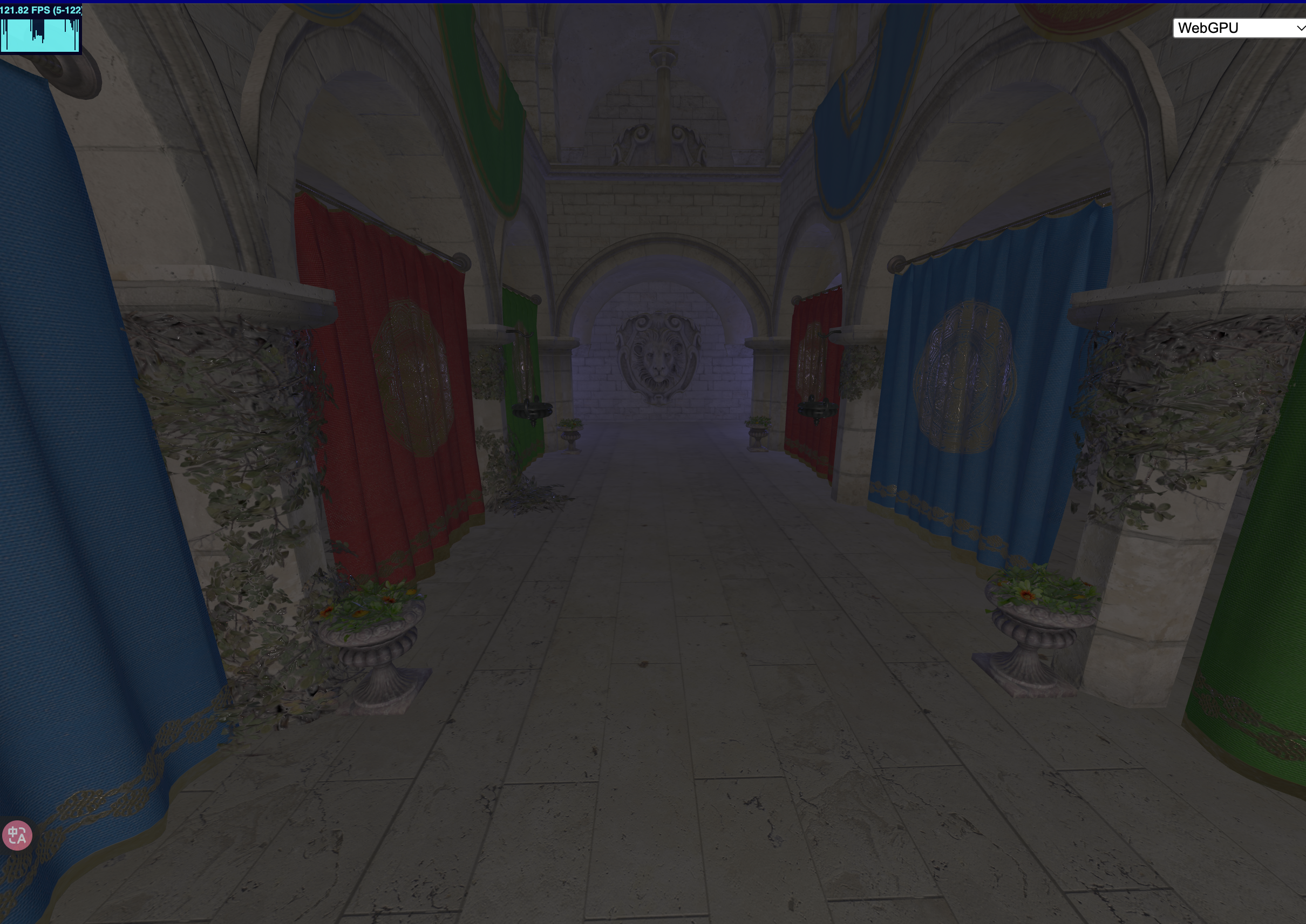
 https://webgpu.github.io/webgpu-samples/?sample=animometer
 https://ajlaston.github.io/Nova-Web/
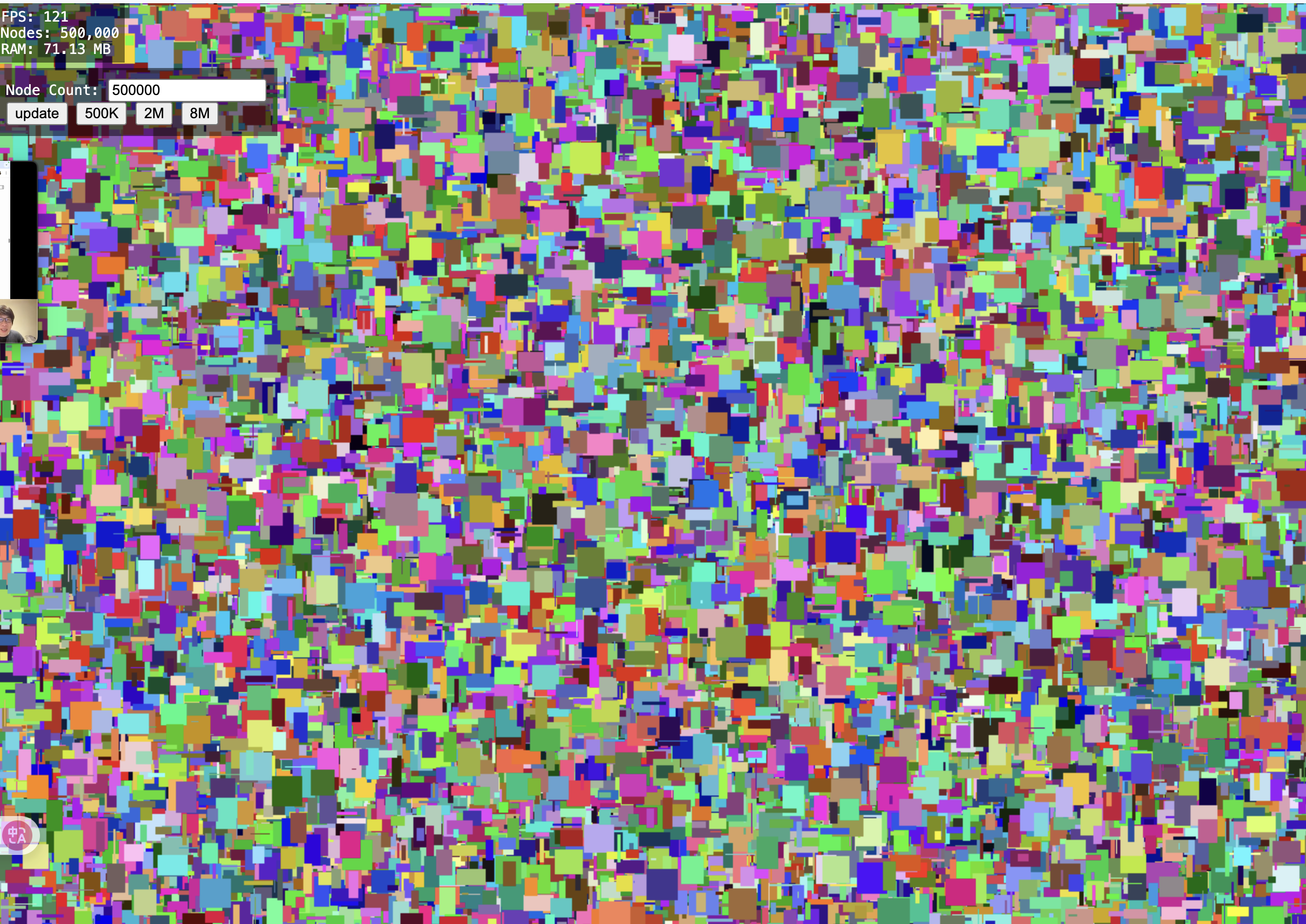 https://toji.github.io/webgpu-test/
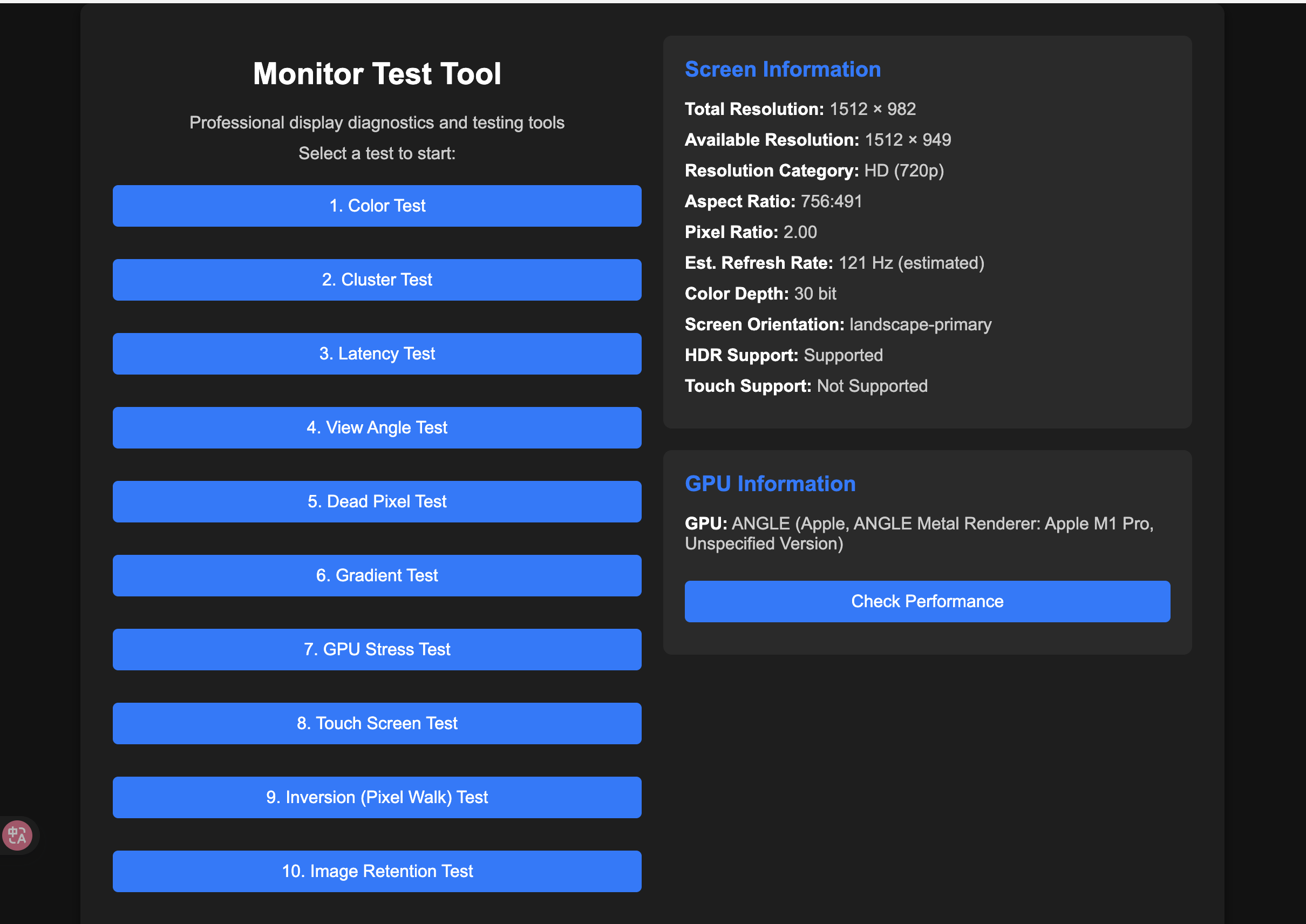
 https://maksim4351.github.io/test/index.html
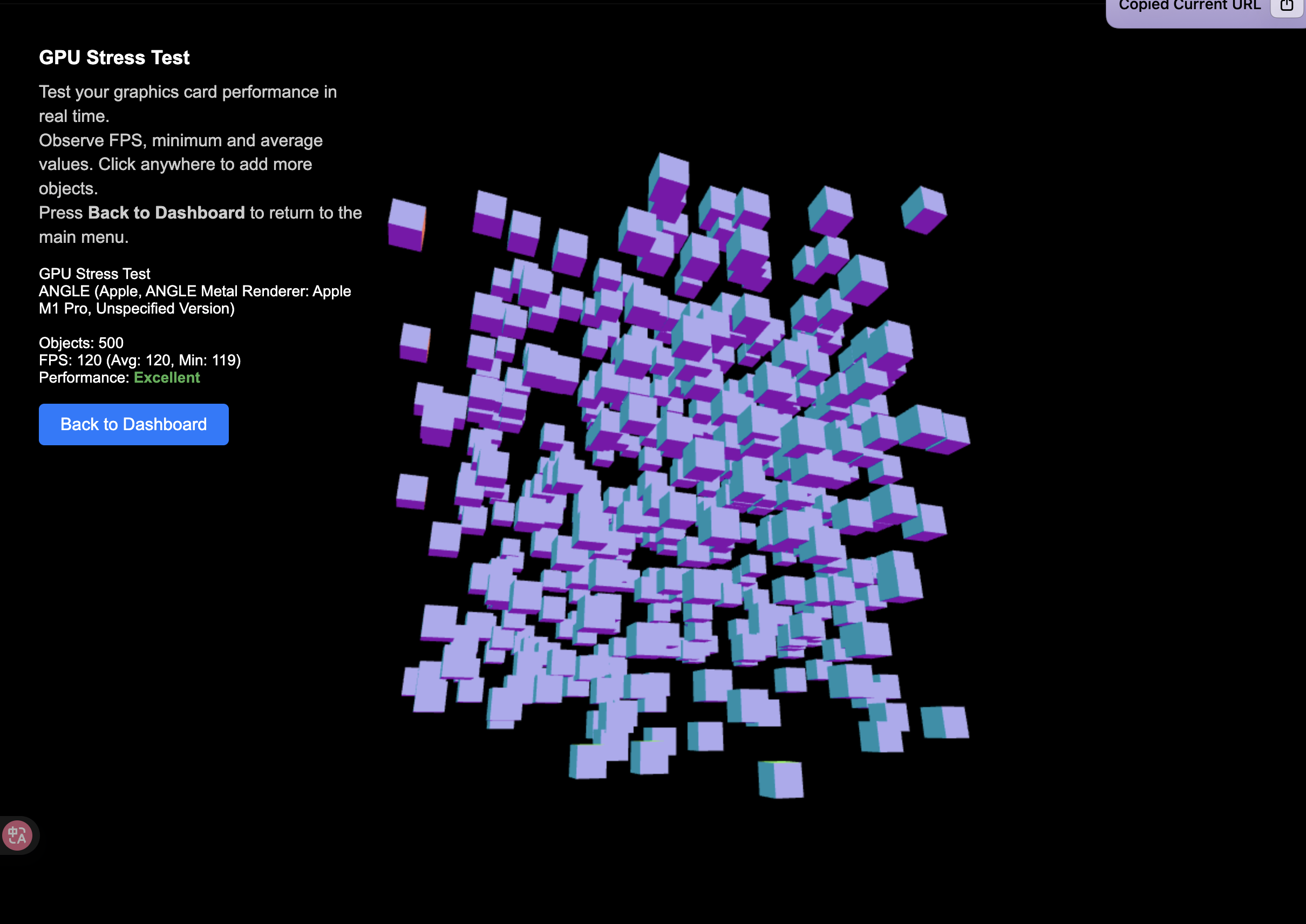
 https://maksim4351.github.io/test/gpu_stress_test.html
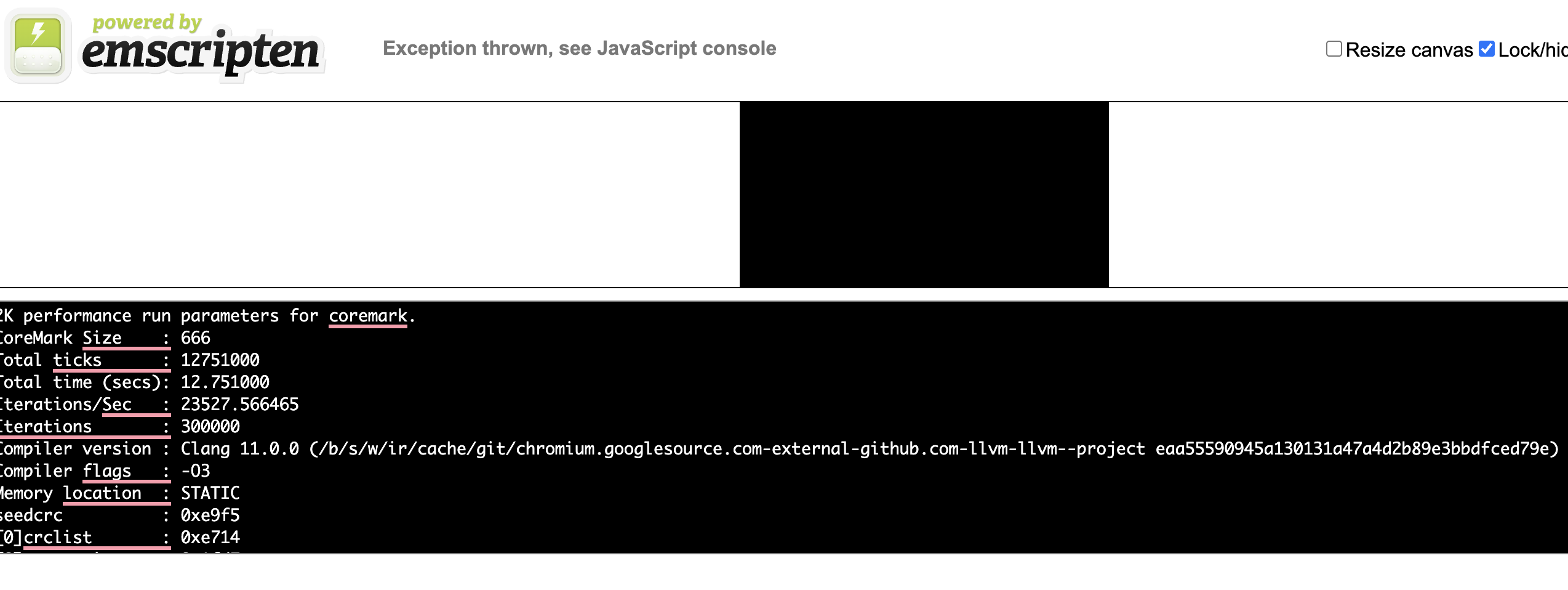
 https://wasm3.github.io/wasm-coremark/coremark-minimal.html
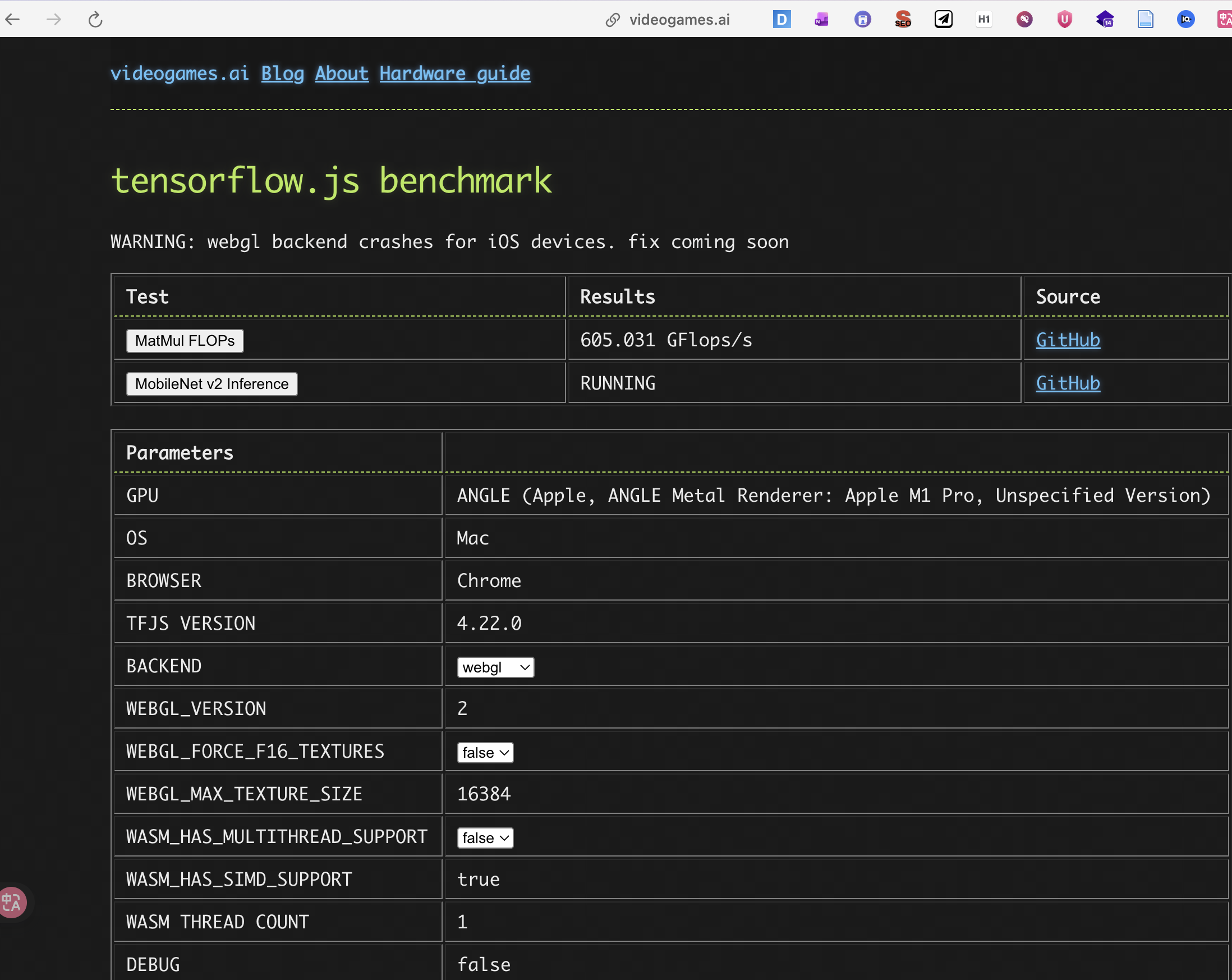
 https://www.videogames.ai/tensorflow-js-benchmark
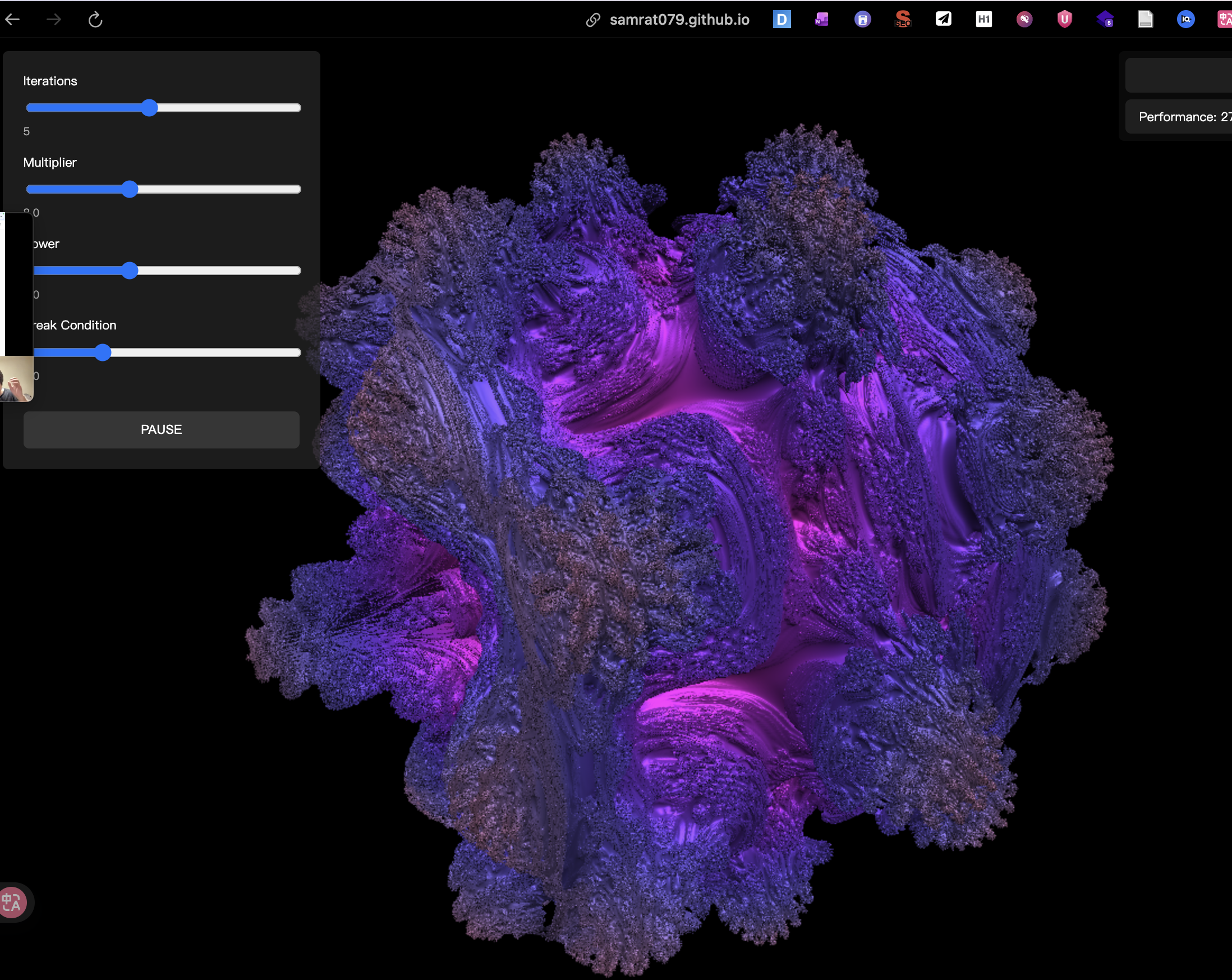
 https://samrat079.github.io/Fractal_Benchmark/
 https://tfjs-benchmarks.web.app/local-benchmark/
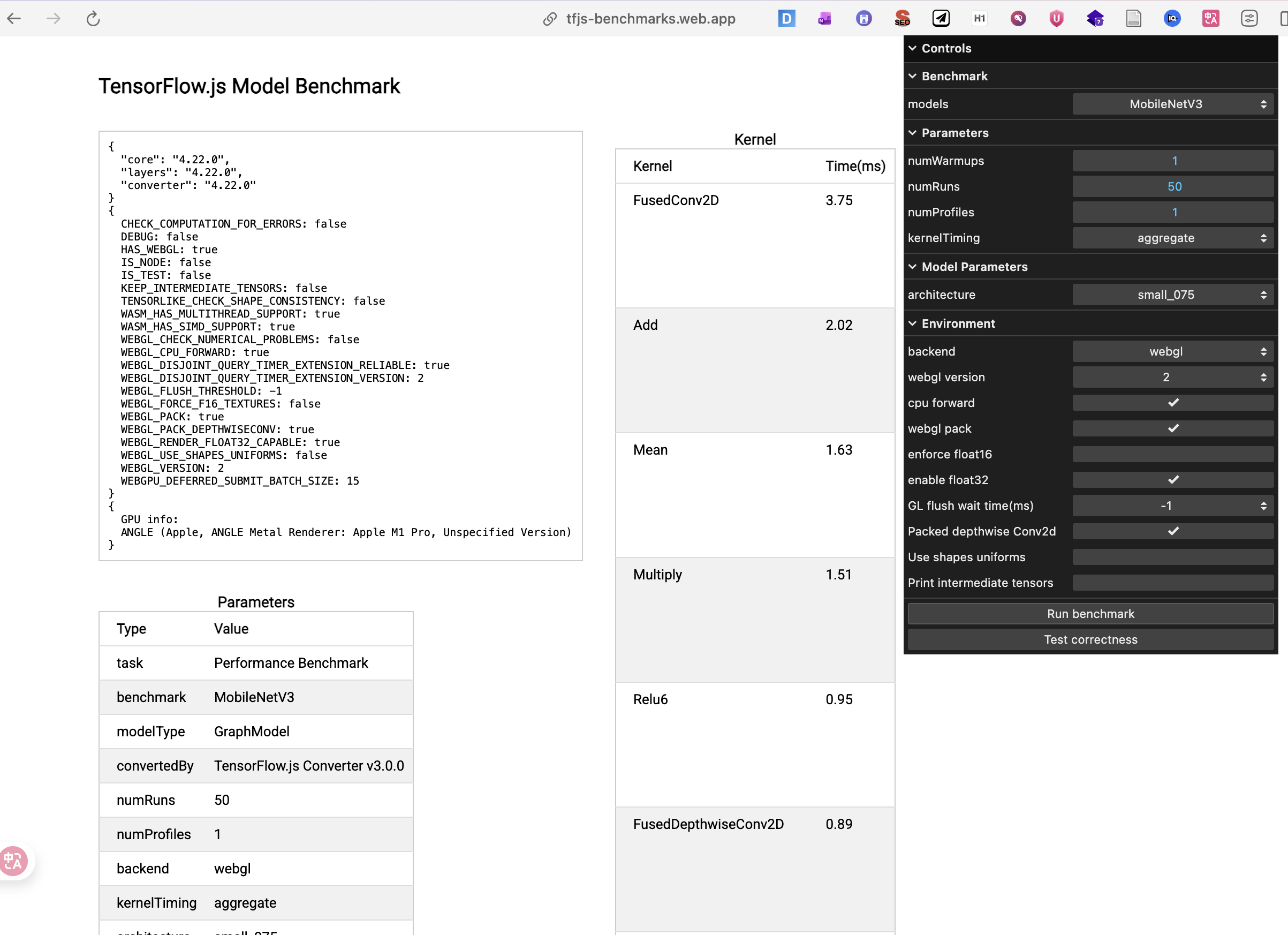 https://tfjs-benchmarks.web.app/local-benchmark/
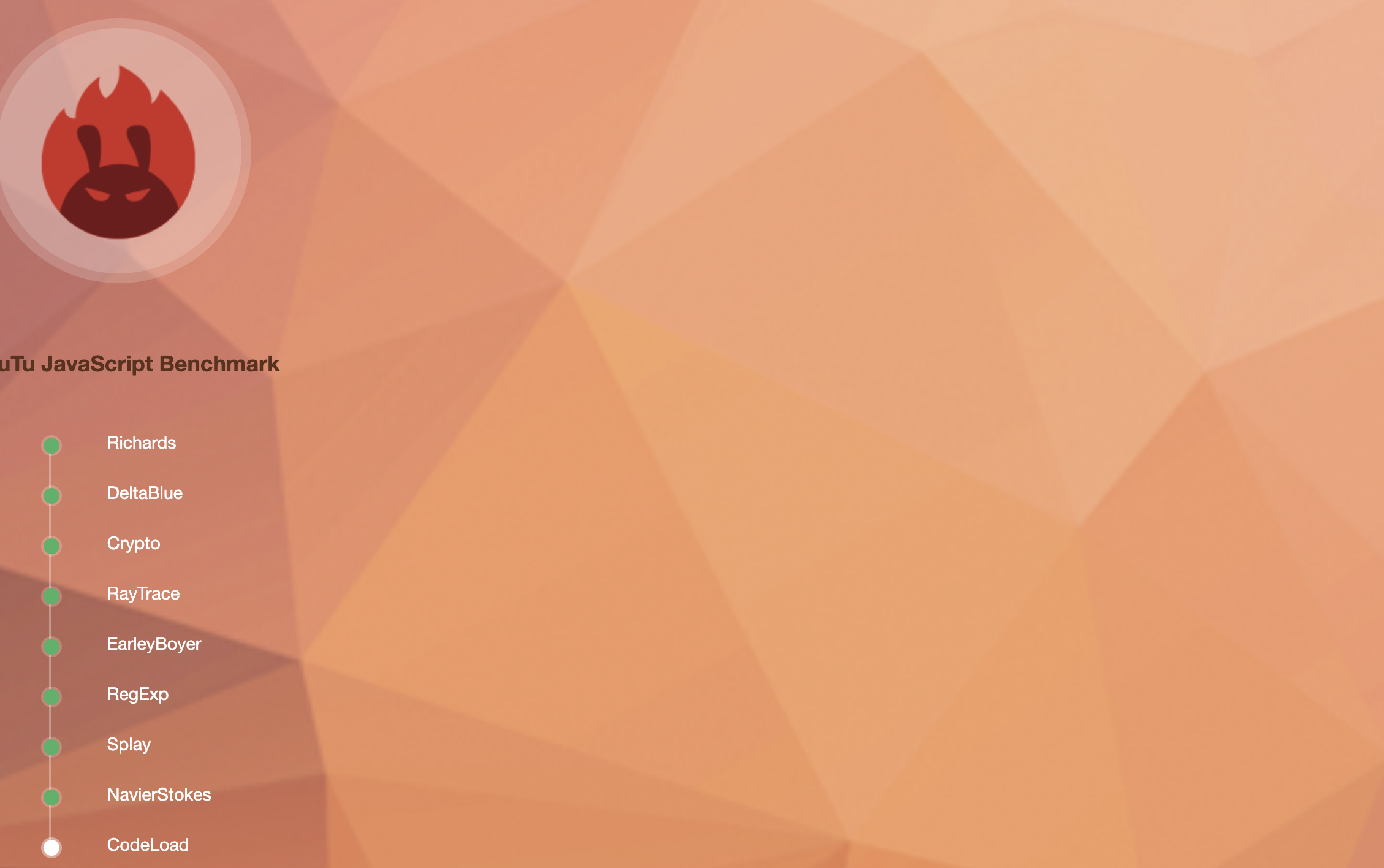
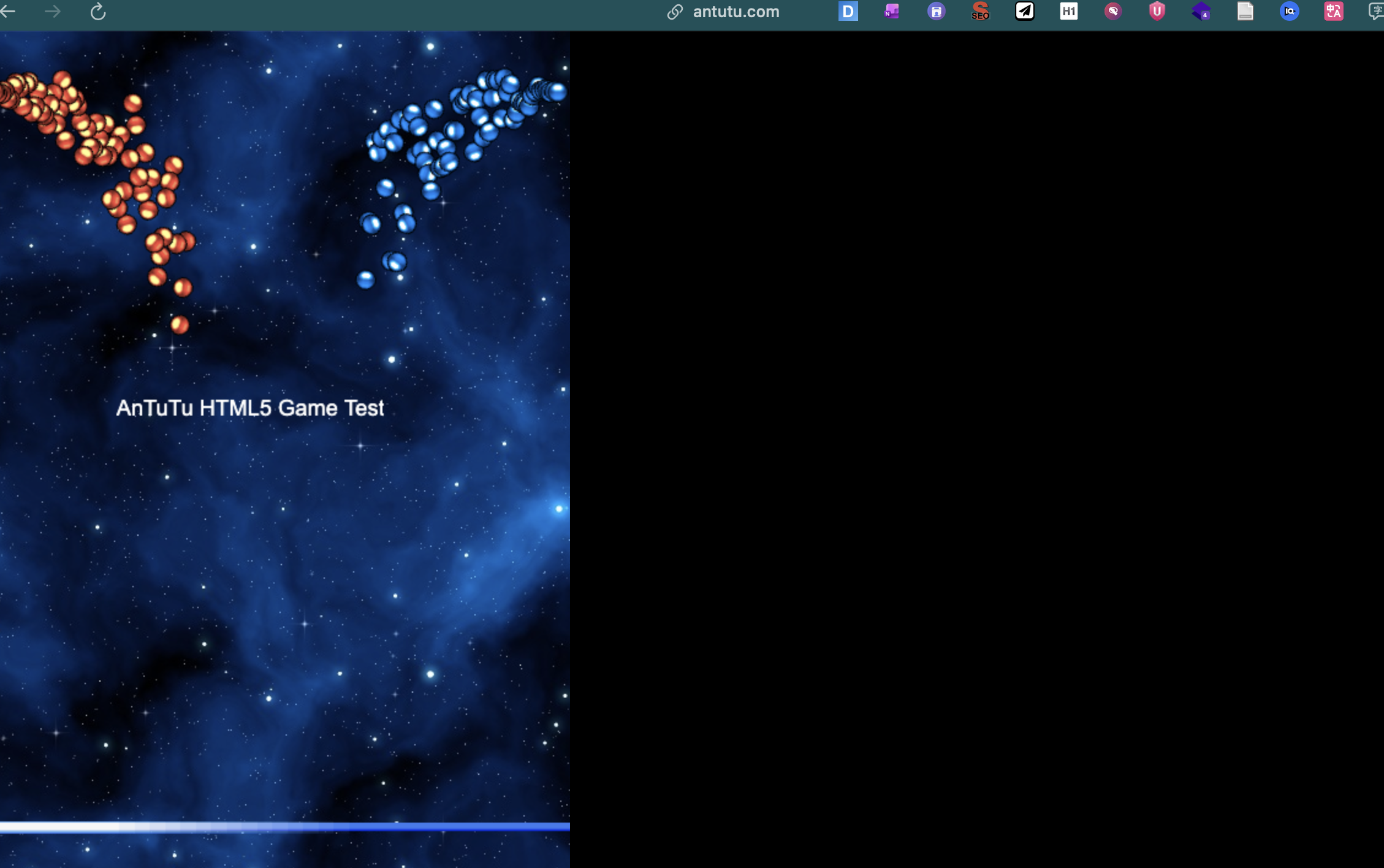
https://www.antutu.com/html5/octane.html?inner=1
https://alanhc.github.io/wasm-coremark/